
Key Fob Care Guide
How to Replace a Key Fob Battery
Key fob battery replacement starts with checking the instructions for your exact fob. Use the correct battery and a gentle, careful approach. If the fob still does not work, we can help with key fob programming at your car.
- Check instructions for your exact fob
- Replace the battery without forcing the case
- Programming service at your car
- Mobile service in Gaithersburg and Montgomery County
What You Need Before You Start
Key fobs vary by model, so check the owner’s manual before opening the case. Follow its battery type, opening method, and handling instructions rather than guessing from the fob’s shape.
- The owner’s manual — Find the instructions for your exact key fob. If you do not have the manual, check the vehicle or fob maker’s official guidance for that model.
- The specified replacement battery — Note the battery type and any polarity directions in the manual or on the original battery. Do not substitute a battery just because it looks similar.
- A clean, well-lit work surface — Choose a stable spot where you can see the small parts and keep them together. Keep batteries and loose pieces away from children and pets.
- A suitable opening tool, if specified — Use only the tool and method recommended in the instructions. Avoid forcing the case or using an improvised tool that could damage the housing or internal components.
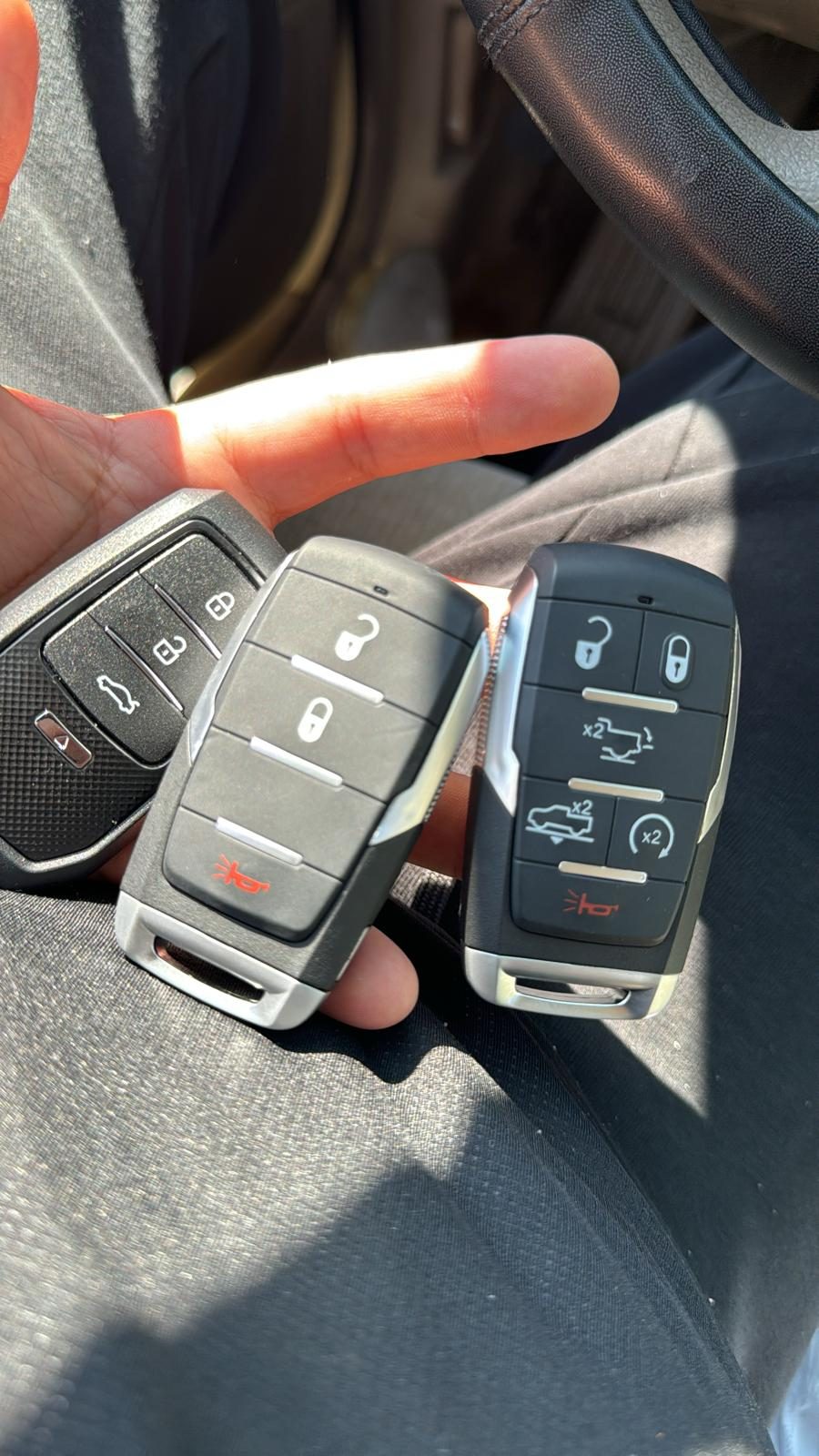
Key Fob Battery Replacement: Step-by-Step
The steps below are general guidance, not a substitute for the instructions for your specific fob. Some cases open differently, and some have parts that must stay in a particular position. Stop if the case resists or the instructions are unclear.
- Confirm the battery and procedure — Read the manual before opening the fob. Confirm the exact battery type, how the case opens, and whether the instructions include any cautions about handling the battery or internal parts.
- Prepare the work area — Set the fob on a clear, dry surface with good light. Keep track of any small cover, screw, or other piece as you remove it, and do not work over a place where parts can fall out of sight.
- Open the case as directed — Use the release point or opening method shown in the manual. Apply only gentle pressure. If the case will not open as described, stop rather than twisting, prying harder, or forcing the seam.
- Note the battery position — Before removing the old battery, check how it sits and which side faces up. Follow the fob’s instructions, and avoid touching or disturbing other internal components.
- Install the correct battery — Place the replacement battery in the orientation specified for your model. Make sure it sits flat in its holder without bending contacts or pushing against nearby parts.
- Close the case and test the fob — Reassemble the fob as the manual directs, making sure the case closes without force. Test it near the vehicle and follow the manual if it gives a specific test procedure. Dispose of the old battery according to its instructions and local guidance.
If the Fob Still Does Not Work
A new battery may not solve every key fob problem. Check these common issues without forcing the case or attempting an unlisted programming procedure.
The battery type or orientation is wrong
Compare the replacement with the exact battery type and polarity shown in the manual. Remove and reposition it only as the instructions allow.
The battery is not seated correctly
Check the manual’s guidance for how the battery sits in its holder. Do not bend contacts or push on internal parts to make the fob close.
The case or an internal part shifted
If the fob does not close properly, or a button feels different, stop and check the model-specific reassembly instructions. Forcing the case can cause further damage.
The issue is not the battery
A fob that remains unresponsive may need attention beyond a battery change. Follow the vehicle or fob maker’s troubleshooting guidance before trying any reset or programming steps.
When to Call a Locksmith Instead
Call a locksmith if the fob case will not open as directed, the battery change does not restore operation, or the manual calls for a procedure you are not comfortable doing. Do not try to bypass the vehicle or use an unapproved reset method. Locksmith Xpress provides key fob & smart key programming at your car, with the key cutting machine in our service van for on-site work. We are a mobile locksmith based in Gaithersburg and serve Montgomery County; there is no storefront to visit. To arrange help, contact us.
Frequently asked questions
How do I find the right battery for my key fob?
Check the owner’s manual or official guidance for your exact fob model. Match the listed battery type and follow any polarity instructions; do not rely on appearance alone.
Can I use a battery that looks similar?
Use the battery type specified for your fob, even if another one looks close. A different size or type may not fit or work as intended.
Will replacing the battery erase my key fob programming?
The procedure depends on the fob and vehicle, so follow the instructions for your exact model. If the fob stops responding after the battery change, check the manual before attempting any reset or programming steps.
What if my key fob still does not work after I replace the battery in Gaithersburg?
First confirm that you used the specified battery and installed it in the correct orientation. If the fob remains unresponsive, Locksmith Xpress can provide mobile key fob programming at your car in Gaithersburg and throughout Montgomery County.
Need Help With Your Key Fob?
Contact Locksmith Xpress for mobile key fob and smart key programming at your car in Gaithersburg and Montgomery County.