
Owner’s How-To Guide
How to Reset a Kwikset SmartKey Lock
A Kwikset SmartKey reset usually means changing the key that operates the lock, not restoring electronic settings. Use the instructions for your exact model, and only proceed if you have the required working key and tools.
- Check the instructions for your exact lock model
- Keep the door open while following the rekeying steps
- Test the new key before closing the door
- Know when to stop and call a locksmith
What You Need Before You Start
Kwikset SmartKey models can differ, so use the owner’s manual for your exact lock. If you do not have the printed manual, look for model identification on the product or its original documentation, then consult the manufacturer’s instructions. Do not rely on steps intended for a different lock.
- The current working key — Have the key that currently operates the lock. The manufacturer’s rekeying procedure may require it; do not try to reset the lock without the required key.
- A compatible new key — Choose a new key that meets the requirements in the manual for your exact model. A key that does not match those requirements may not work correctly.
- The correct SmartKey tool — Use only the tool specified by the manufacturer for your lock. Do not substitute another object or force a tool into the lock.
- A safe setup — Keep the door open and make sure you can reach both sides of the lock. This lets you test the lock without risking getting locked out.
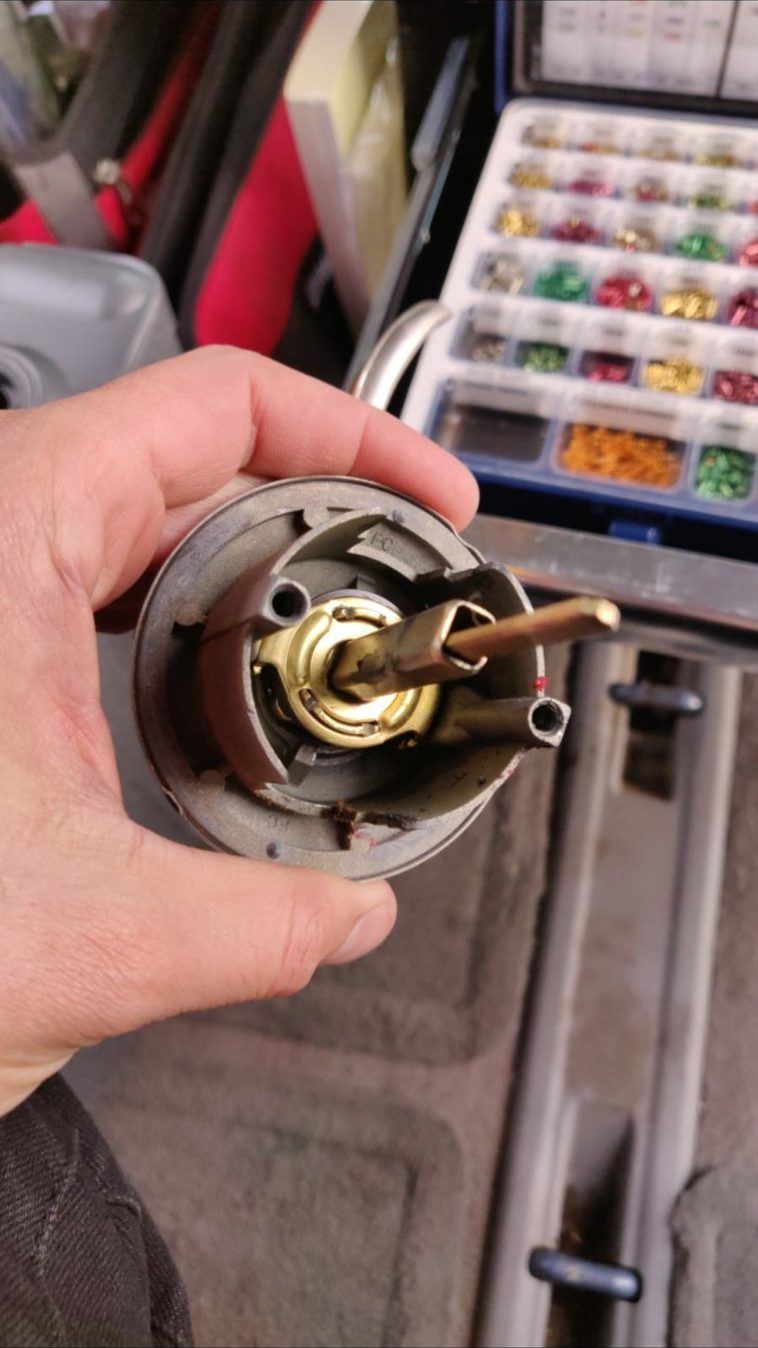
Kwikset SmartKey Reset: Follow the Model’s Instructions
These are general preparation and safety steps, not a substitute for the instructions supplied with your lock. A Kwikset SmartKey reset is commonly a rekeying process: it changes which key operates the lock. It does not necessarily reset other features or settings.
- Confirm the lock and procedure — Check the lock’s model information and read the complete manufacturer procedure before starting. Confirm that it calls for the key and tool you have, and note the required key positions and sequence.
- Keep the door open — Leave the door open throughout the reset and testing. Make sure the bolt or latch can move freely, and do not close the door until you have confirmed that the new key works.
- Start with the current working key — Use the current key only as directed in the manual. Follow the specified insertion and turning steps without forcing the key, cylinder, or tool. Stop if the key does not move as the instructions describe.
- Use the SmartKey tool as directed — If your model’s procedure requires the SmartKey tool, place and remove it only in the manner described by the manufacturer. Keep the lock and key in the specified positions; do not improvise if the sequence is unclear.
- Insert the new key and complete the sequence — Use the compatible new key and complete the remaining steps in the model’s manual. Follow its directions for removing the key and returning the lock to its normal operating position.
- Test before closing the door — With the door still open, test the new key as directed by the manufacturer and check that the lock operates normally. If the old key or new key behaves unexpectedly, stop and do not close the door.
If the Kwikset SmartKey Reset Does Not Work
Do not repeat the process by force. Recheck the instructions for your specific model, and stop if the lock does not respond as described.
The key is not compatible
The new key may not meet the lock’s requirements. Check the manual before trying another key, and do not force a key that sticks or will not insert normally.
The sequence or key position was different
A missed step or incorrect position can interrupt the process. Review the full model-specific procedure from the beginning before making another attempt.
The tool is wrong or not used as specified
The procedure may require a particular SmartKey tool and careful placement. Do not substitute a different object or press harder if the tool does not fit.
The lock or key is binding
If the key is hard to turn, the cylinder feels stuck, or the lock does not operate normally, stop. Forcing it may make the problem harder to resolve.
When to Call a Locksmith Instead
Call a locksmith if you do not have the current working key, cannot confirm the model’s procedure, or the lock binds or fails the test. Locksmith Xpress is a mobile locksmith based in Gaithersburg and serves Montgomery County; we come to your home or business, with no storefront to visit. We are licensed in Maryland, License #733. For help with Kwikset SmartKey rekeying and repair, contact us during our Monday-to-Sunday hours, 8:00 AM to 8:00 PM.
Kwikset SmartKey Reset FAQs
A reset or rekey should follow the instructions for the specific lock. These answers cover common questions owners have before getting started.
Frequently asked questions
Is resetting a Kwikset SmartKey lock the same as rekeying it?
Usually, people mean rekeying when they ask how to reset a Kwikset SmartKey lock. Rekeying changes which key operates the lock; it does not necessarily restore electronic settings or change other features.
Can I rekey my Kwikset SmartKey lock without the current key?
The manufacturer’s procedure may require the current working key. If you do not have it, do not try to bypass the lock or force the cylinder; contact a locksmith for help.
Why should I keep the door open while I reset the lock?
Testing with the door open helps you confirm that the new key operates the lock before you risk being locked out. Keep it open until you have completed the test described in your model’s manual.
What should I do if my new key will not turn after rekeying?
Stop and leave the door open. Check the model-specific instructions and key requirements without forcing the key; if the lock still does not work as directed, call a locksmith.
Need Help With Your SmartKey Lock?
Locksmith Xpress provides mobile locksmith service in Gaithersburg and throughout Montgomery County. Call (301) 806-1626 during our daily hours, 8:00 AM to 8:00 PM.