
Smart Lock Help
Kwikset SmartCode Programming: How to Program a Keypad
Kwikset SmartCode programming starts with the instructions for your exact lock model. Use these general, safe setup steps as a checklist, and keep the door open while you follow the manual and test your work.
- Use the manual for your exact model
- Keep the door open during setup and testing
- Check settings before resetting the lock
- Get mobile locksmith help in Gaithersburg
What You Need Before You Start
SmartCode models can have different programming steps and features. Gather the right information first, then follow the manufacturer’s manual for your exact model rather than relying on instructions for a different keypad.
- The manual for your exact model — Find the model information on the lock or its product paperwork, then use the corresponding Kwikset instructions. If you cannot identify the model, avoid trying a programming sequence from another lock.
- Access to the inside of the door — You may need to use controls on the interior side of the lock. Make sure you can reach them without closing or locking yourself out.
- Working batteries — Check the manual for the recommended battery type and replacement method. If the keypad or lock behaves inconsistently, inspect the batteries before changing programming.
- A safe place to record your settings — Have a private place ready for any code or setting you choose to keep. Do not share access codes or leave them where visitors can find them.
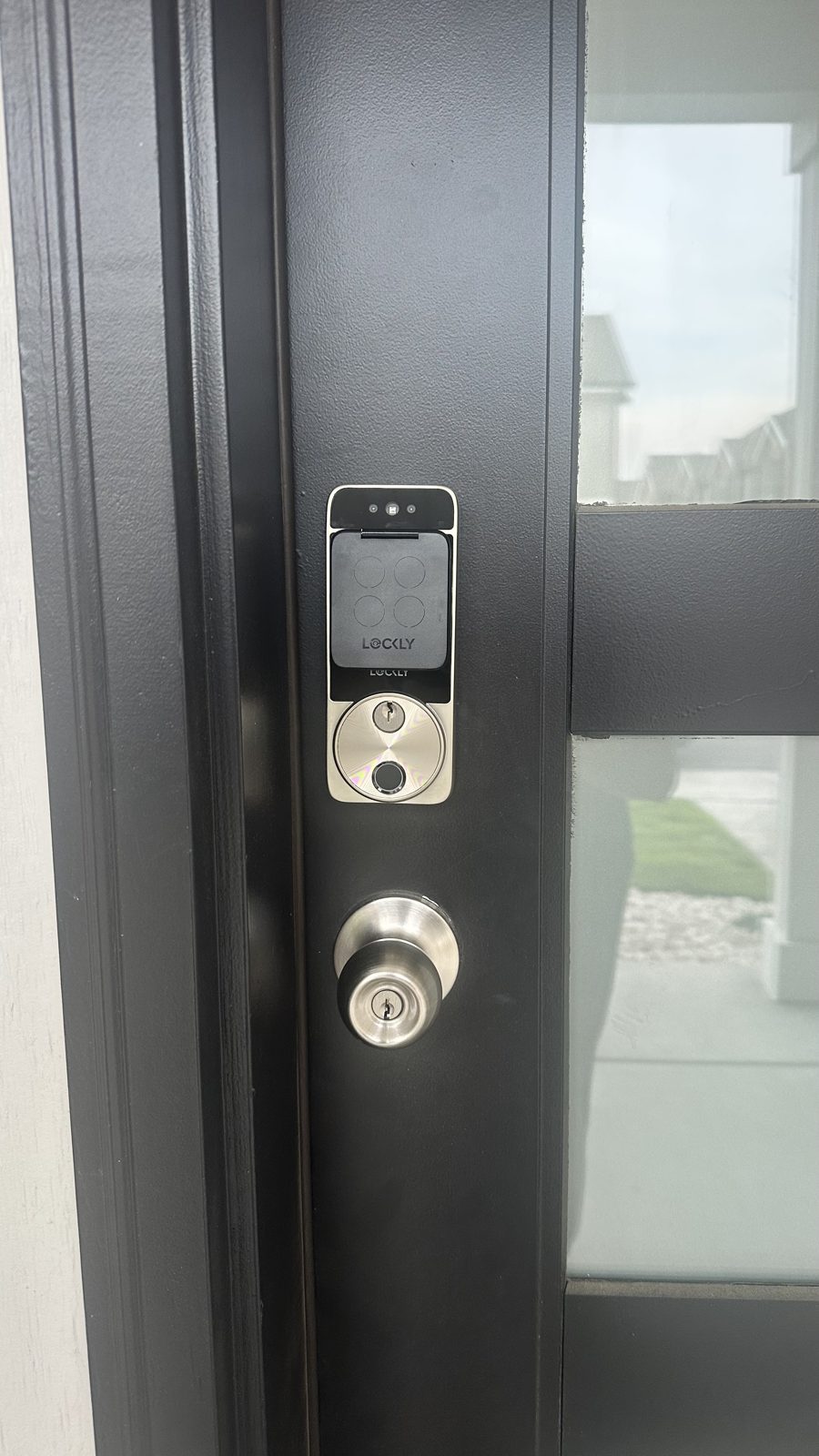
Kwikset SmartCode Programming: Safe Setup Steps
Use the instructions below as a careful process, not as a button sequence. The exact controls and order depend on your SmartCode model, so let its manual guide each action.
- Confirm the model and read its instructions — Match the lock to its manual before making changes. Review the sections for adding or changing user codes and note any cautions about existing settings, code limits, or the lock’s operation.
- Keep the door open and unlocked — Do not close the door during programming. Keeping it open helps prevent an accidental lockout while you make changes, and gives you room to check that the keypad and lock respond as expected.
- Check the lock’s power and condition — Inspect the batteries and follow the manual if they need attention. If the keypad is damaged, buttons stick, or the lock does not move normally, stop rather than forcing any part.
- Make only the change you intend — Follow the manual’s procedure for the specific task, such as adding or changing a code. Use a code you can remember but that is not easy for others to guess, and keep it private.
- Verify the change before closing the door — Test the keypad and lock while the door remains open, following the manufacturer’s testing directions. Confirm that the intended code works and that the lock operates smoothly before you finish.
- Review access and store the manual — Check who has access to any codes you have set, and remove or update codes only as the manual directs. Keep the model information and instructions somewhere you can find them for future changes.
If It Does Not Work
Stop and check the basics before repeating a programming attempt. Repeated guesses or instructions for another model can make it harder to tell what changed.
The instructions do not match the lock
Different SmartCode models may use different controls or procedures. Recheck the model information and use its matching manual.
The batteries are weak or incorrectly installed
Review the manual’s battery guidance and check the battery orientation. Do not force the battery cover or contacts.
The lock is not positioned or moving normally
A door or lock that binds can interfere with normal operation. Keep the door open and stop if the lock resists, makes unusual sounds, or appears damaged.
A reset may affect saved settings
Do not reset the keypad just to see if it fixes the issue. Read the model-specific reset instructions first, since a reset may erase codes or other saved settings.
When to Call a Locksmith Instead
Call a locksmith if you cannot identify the model, the manual’s steps do not resolve the problem, or the keypad or lock appears damaged. Locksmith Xpress provides mobile smart lock and keypad installation and lock repair in Gaithersburg and throughout Montgomery County; we come to your home or business, with no storefront to visit. We are open Monday to Sunday, 8:00 AM to 8:00 PM, and are licensed in Maryland, License #733. For Kwikset SmartCode keypad lock help, or to contact us, reach out to Locksmith Xpress.
- 1. Confirm the model and read its instructions — Match the lock to its manual before making changes. Review the sections for adding or changing user codes and note any cautions about existing settings, code limits, or the lock’s operation.
- 2. Keep the door open and unlocked — Do not close the door during programming. Keeping it open helps prevent an accidental lockout while you make changes, and gives you room to check that the keypad and lock respond as expected.
- 3. Check the lock’s power and condition — Inspect the batteries and follow the manual if they need attention. If the keypad is damaged, buttons stick, or the lock does not move normally, stop rather than forcing any part.
- 4. Make only the change you intend — Follow the manual’s procedure for the specific task, such as adding or changing a code. Use a code you can remember but that is not easy for others to guess, and keep it private.
- 5. Verify the change before closing the door — Test the keypad and lock while the door remains open, following the manufacturer’s testing directions. Confirm that the intended code works and that the lock operates smoothly before you finish.
- 6. Review access and store the manual — Check who has access to any codes you have set, and remove or update codes only as the manual directs. Keep the model information and instructions somewhere you can find them for future changes.
If It Does Not Work
Stop and check the basics before repeating a programming attempt. Repeated guesses or instructions for another model can make it harder to tell what changed.
The instructions do not match the lock
Different SmartCode models may use different controls or procedures. Recheck the model information and use its matching manual.
The batteries are weak or incorrectly installed
Review the manual’s battery guidance and check the battery orientation. Do not force the battery cover or contacts.
The lock is not positioned or moving normally
A door or lock that binds can interfere with normal operation. Keep the door open and stop if the lock resists, makes unusual sounds, or appears damaged.
A reset may affect saved settings
Do not reset the keypad just to see if it fixes the issue. Read the model-specific reset instructions first, since a reset may erase codes or other saved settings.
When to Call a Locksmith Instead
Call a locksmith if you cannot identify the model, the manual’s steps do not resolve the problem, or the keypad or lock appears damaged. Locksmith Xpress provides mobile smart lock and keypad installation and lock repair in Gaithersburg and throughout Montgomery County; we come to your home or business, with no storefront to visit. We are open Monday to Sunday, 8:00 AM to 8:00 PM, and are licensed in Maryland, License #733. For Kwikset SmartCode keypad lock help, or to contact us, reach out to Locksmith Xpress.
Frequently asked questions
Do SmartCode programming steps work the same for every model?
No. Controls and procedures can differ between models, so use the manual that matches your lock. Avoid trying a sequence from another model.
Should I keep the door open while programming the keypad?
Yes, keep the door open and unlocked while you make changes and test the lock. This helps you avoid accidentally locking yourself out during setup.
Will resetting my SmartCode keypad remove saved codes?
A reset may erase codes or other settings, depending on the model. Check the exact manual before resetting, and make sure you understand what settings may be cleared.
Can Locksmith Xpress help with a keypad lock in Gaithersburg?
Yes. Locksmith Xpress provides mobile smart lock and keypad installation and lock repair in Gaithersburg, coming to your home or business. We serve all of Montgomery County.
Need Help With Your SmartCode Lock?
Contact Locksmith Xpress for mobile smart lock and keypad help in Gaithersburg and Montgomery County.