
Keypad Lock Guide
Schlage Keypad Reset: How to Program a Code on a Schlage Keypad Lock
A Schlage keypad reset can erase existing codes, so check your lock’s manual before you begin. Keep the door open while setting up and testing a new code.
- Follow the instructions for your exact model
- Keep the door open during setup and testing
- Use the lock’s current programming code
- Get mobile locksmith service in Montgomery County
Before You Start a Schlage Keypad Reset
Schlage keypad models can use different programming sequences. Use the manual for your exact lock, and do not rely on instructions meant for another model. If you no longer have the printed manual, check the manufacturer’s materials for your model before pressing buttons.
- Your exact model’s instructions — Find the manual and identify the steps for adding a user code or resetting the lock. A reset and a code change may be different procedures.
- The current programming code — Have the programming code and any required credentials available. Do not guess a code or use a sequence from an unrelated lock.
- A new code you can remember — Choose a code that follows the manual’s requirements. Avoid sharing it more widely than needed.
- An open door and a clear path — Keep the door open so the bolt cannot lock you out while you work. Make sure you can reach the lock and use its keypad comfortably.
- Working batteries, if your model uses them — Check the manual for the correct battery type and replacement method. If the keypad is unresponsive, address that before trying to enter programming steps.
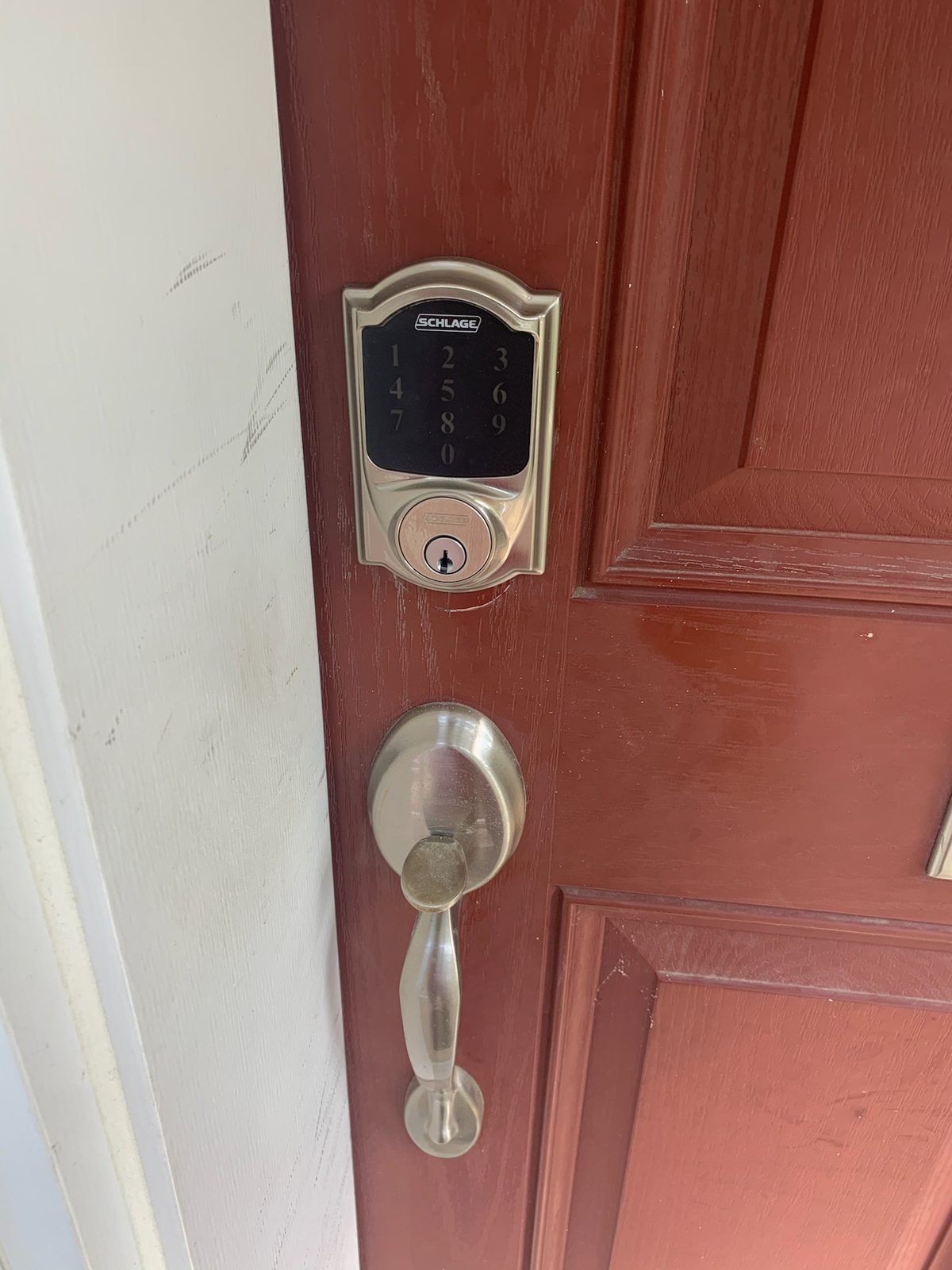
How to Program a Code After a Schlage Keypad Reset
Use these general steps as a guide, not as a substitute for your model’s manual. Follow the manufacturer’s button sequence and confirmation instructions exactly.
- Confirm the lock is ready — Leave the door open and check that the bolt can move without striking the door frame. If the lock is unresponsive, consult the manual before continuing.
- Decide whether you need a reset — If you only want to add or change a user code, check whether the manual gives you a way to do that without resetting the entire lock. A factory reset may remove stored codes or settings.
- Enter programming mode as directed — Use the current programming code and the exact sequence shown in the manual. Do not try a guessed code or a generic button sequence.
- Select the code-setting option — Follow the manual’s directions to add a user code or complete a reset, depending on what you need. Enter the new code only when the lock prompts you to do so.
- Wait for the lock’s confirmation — Complete any confirmation step listed for your model. If the lock signals an error or does not confirm the change, stop and recheck the instructions rather than repeating random sequences.
- Test the code with the door open — Enter the new code as directed and confirm the lock operates normally while the door remains open. Test the bolt movement before closing the door.
- Store the information securely — Keep any programming information somewhere secure and accessible to the people who need it. Do not leave the programming code in an obvious place near the lock.
If the New Code Does Not Work
Pause if the keypad does not respond or the lock does not confirm the change. Check these common issues without forcing the lock or trying unrelated programming sequences.
The instructions do not match the model
A sequence for a different keypad lock may not work on yours. Confirm the model and use its own manual.
The programming code or sequence is incorrect
Check that you have the current programming code and followed each step in order. If you do not have the required code, do not guess; consult the manual or call a locksmith.
The keypad is not responding
The batteries may need attention, or the lock may not be receiving power. Follow the manual’s battery instructions for your model.
The code works, but the bolt binds
If the lock accepts the code but the bolt does not move freely, the issue may involve the lock or door alignment rather than code programming. Avoid forcing the bolt and arrange an inspection.
When to Call a Locksmith Instead
Call a locksmith if you do not have the programming code, the manual’s steps do not resolve the problem, or the keypad lock still will not operate normally. Locksmith Xpress provides mobile service in Gaithersburg and throughout Montgomery County, with service at your home or business and no storefront to visit. We handle lock repair and smart lock and keypad installation; see our Schlage keypad lock repair and codes information or contact us. We are open Monday to Sunday, 8:00 AM to 8:00 PM. Call (301) 806-1626.
Frequently asked questions
Does resetting a Schlage keypad lock erase its user codes?
A factory reset may erase stored user codes and settings, but the exact result depends on the model. Check your lock’s manual before resetting so you know what will need to be set up again.
Can I change a user code without resetting the lock?
Your model’s manual will show whether you can add or change a user code without a full reset. If it provides that option, follow its sequence and test the code with the door open.
Why is my Schlage keypad not accepting the programming code?
The code may not be current, or the steps may not match your lock’s model. Check the manual and the keypad’s power before trying again; avoid guessing codes or repeating unrelated sequences.
Who can help with a Schlage keypad lock in Gaithersburg?
Locksmith Xpress is a mobile locksmith based in Gaithersburg and serves Montgomery County. We can help with lock repair and smart lock or keypad installation; call (301) 806-1626 Monday to Sunday, 8:00 AM to 8:00 PM.
Need Help With Your Keypad Lock?
Locksmith Xpress provides mobile locksmith service in Gaithersburg and Montgomery County. Call (301) 806-1626, Monday to Sunday, 8:00 AM to 8:00 PM.